
After Effects creates the motion graphics and animations. Premiere Pro edits and assembles the final video. Together, they make you a complete video editor who can handle any project from start to finish. 23 structured parts. 18 hours. Two industry-standard tools. One clear path.
Save 53% vs buying separately. Refund policy applies.
Our graduates work at


Sound familiar?
The problem is not your talent. It is that you are trying to do a two-tool job with one tool.
The Power of Both
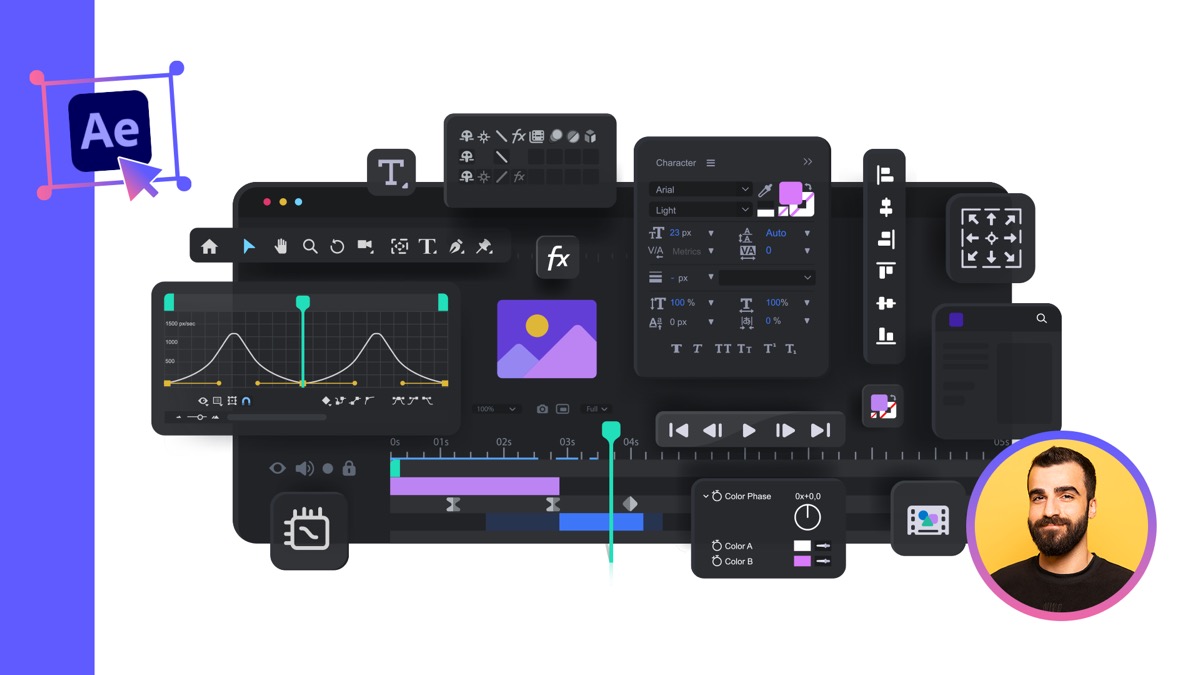
11 parts, 9 hours

12 parts, 9 hours
Create stunning motion graphics and logo animations in After Effects, then import them into Premiere Pro for final editing, color grading, and delivery. Edit raw footage in Premiere, then send clips to After Effects for visual effects and animation. This is how professional studios work. Both tools, one seamless workflow.
Your Instructor

I have been working with both After Effects and Premiere Pro professionally for over 15 years. From animated titles to full video productions, from logo animations to color-graded short films, both tools have been essential in every video project I have ever delivered.
I have taught over 250,000 students worldwide through 92learns Academy. The number one frustration I hear from students is "I can animate but I can not edit" or "I can edit but I can not animate." That is exactly why I created this bundle.
Each course is designed so the skills transfer naturally. What you learn about keyframes in After Effects deepens your animation work in Premiere. What you learn about timelines and editing in Premiere makes your After Effects compositions more efficient. They are built to complement each other.
What You Will Walk Away With
Text animations, logo reveals, shape animations, and transitions in After Effects. The kind of polished motion work that clients pay premium rates for.
After EffectsComplete tool mastery from basic cuts to multi-camera editing, color grading, transitions, and sound design. Professional video production from start to finish.
Premiere ProLearn the handoff between After Effects and Premiere Pro. Dynamic Link, import settings, and the exact workflow professional studios use every day.
Both coursesColor correction, curves, color wheels, HSL, LUTs, and presets. Combined with After Effects gradient animations, your videos will look cinematic and polished.
Premiere ProCreate animated charts, infographics, and data visualizations in After Effects. Then integrate them into edited videos in Premiere. A highly paid corporate skill.
Both coursesBoth courses include dedicated monetization sections. Freelancing, content creation, and building a portfolio. Two tools means you can handle complete video production projects solo.
Both coursesWho This Is For
You want engaging animated intros, motion graphics, and professional edits for your videos. This bundle gives you the animation skills AND the editing skills to produce broadcast-quality content entirely on your own.
You can animate beautifully but when it is time to cut, assemble, and deliver a final video, you hit a wall. Premiere Pro fills that gap and turns your animations into complete productions.
You know video editing but you can not create animated titles, logo reveals, or motion graphics. After Effects gives you the animation power that Premiere Pro was never designed for.
Every video editing job posting lists both After Effects and Premiere Pro as required skills. This bundle gives you both in one structured path so you are fully qualified when you apply.
You need animated ads, video content, and eye-catching motion graphics for campaigns. With both tools, you handle everything from animation to final edit without depending on a production team.
Clients pay more for editors who can handle complete projects. Being able to deliver edited video AND custom motion graphics means bigger projects, higher rates, and clients who keep coming back.
Animation without editing is unfinished. Editing without animation is ordinary. Together, they make you unstoppable.
Full Curriculum
Every tool, technique, and workflow you need in both applications. Click any part to see what is covered.
Student Results
Real animation and motion graphics work from graduates of our courses
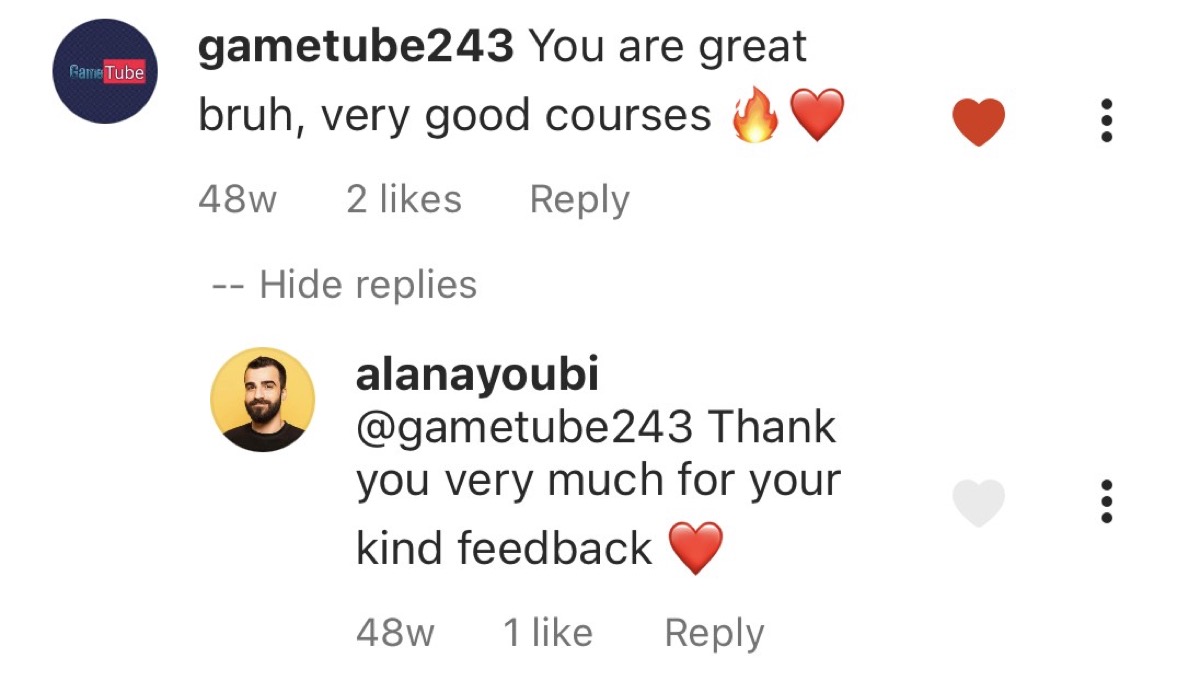
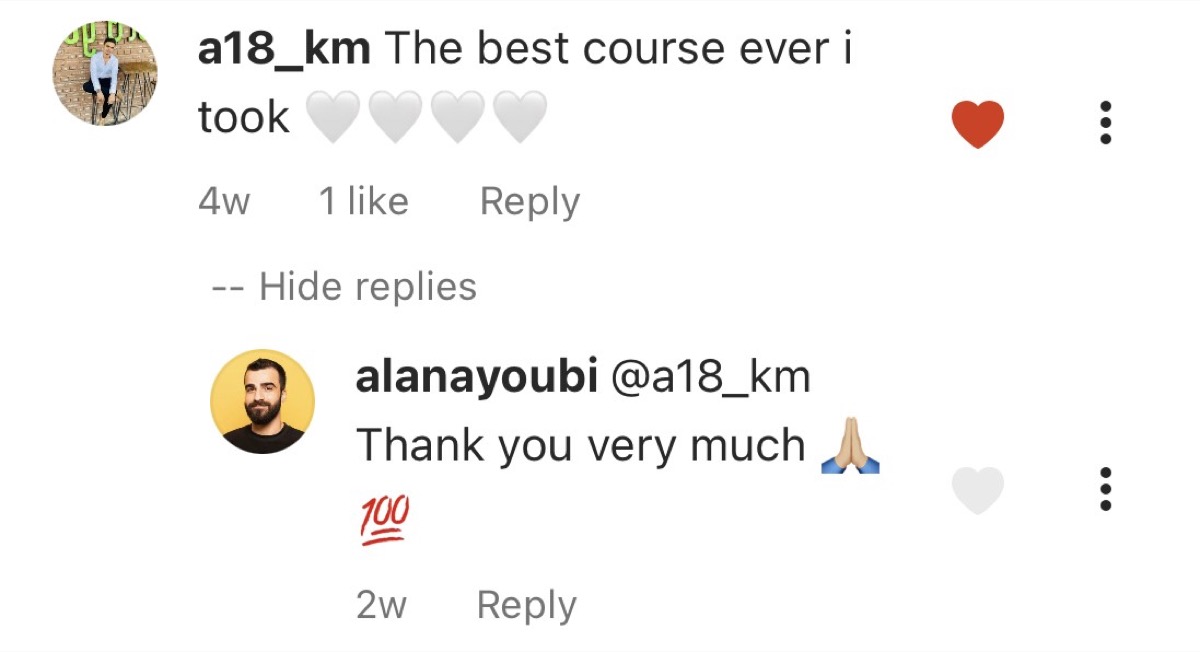
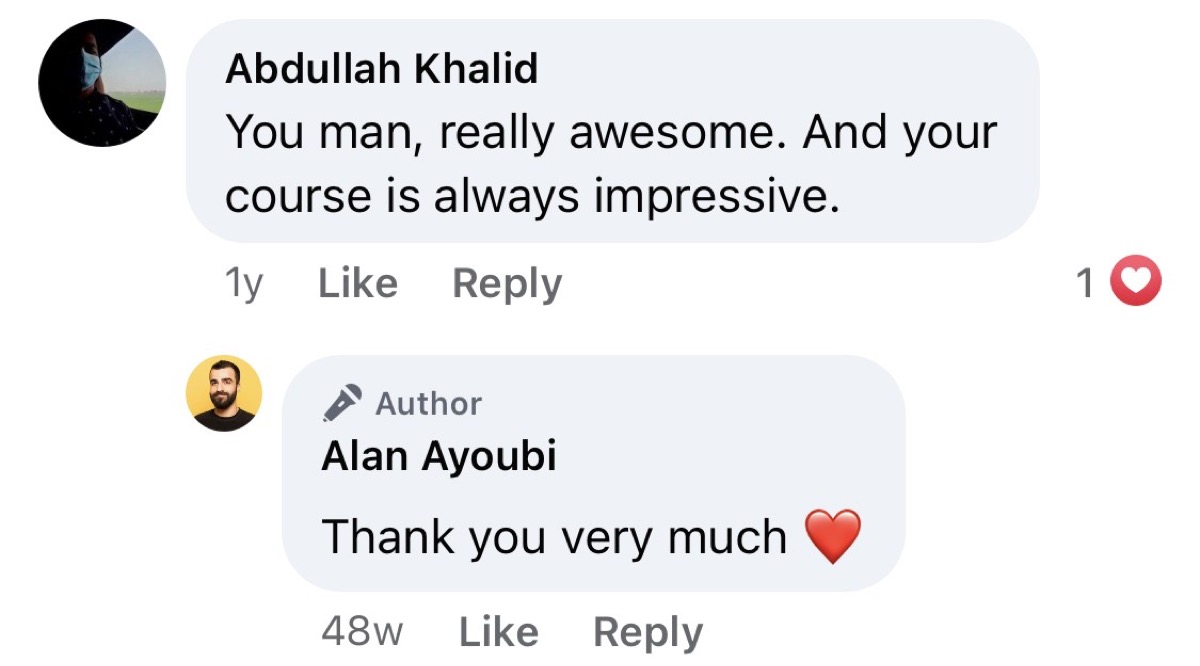
What Students Say
Bundle Savings
Get Started
Both courses, all 23 parts, projects, quizzes, certificates, community, and 24/7 support.
Course refunds are available in full within 24 hours or at 50% within 7 days when less than 10% of the course content has been accessed. See our Terms for full eligibility details.
Questions
The only difference is what you decide right now. Two courses, two industry-standard tools, one investment, and a future where you never have to turn down a video project again.
Refund policy applies. Lifetime access to both courses. One-time payment of $110.92.
Get My Bundle Now